Video mapping is an innovation to projection technology that’s used to transform everyday objects into display surfaces. It is a form of augmented reality that utilizes irregularly shaped items like buildings and other industrial landscapes to project videos. The end result can be realistic holograms, exciting concert visuals or enhanced art exhibitions.
Video mapping can be a suitable fit if you are looking for ways to add an interesting twist to your upcoming event. But to ensure your visuals fit into your target surfaces and display correctly, you’ll need to find the best projection mapping software for your vision.
There are several video mapping projection tools available today, and we’ve compiled seven of them to help you get started on your research. Each has its unique features and limitations, so it’s a good idea to take the time to understand their pros and cons before choosing one.
1. MadMapper
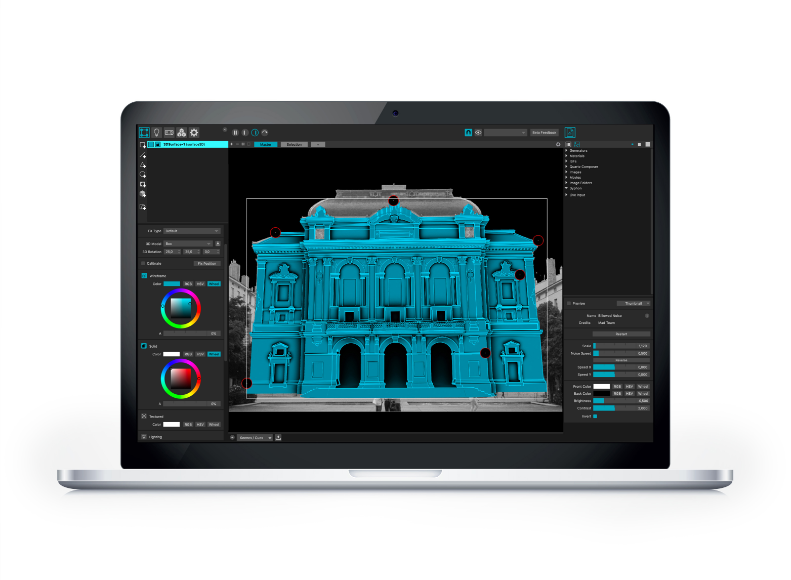
Pricing: Has a demo version; License starts at $399
Key Features:
- Ultra-fast video player
- Support for multiple projectors
- Support for audio input
- Bezier masking and mesh warping
- Space scanner and 3D calibration
- MiniMad hardware companion for video mapping or light mapping export
Opening our list is MadMapper, a tool that promises scenographic freedom. True enough, this powerful video mapping projection software works well on a wide range of surfaces, from temples, cathedrals and landscapes to objects and landscapes. It also has a clear workflow, allowing real-time parameter tinkering and even last-minute modifications so you can deliver your show on schedule, no matter the scale.
What’s more interesting about this robust program is that it allows you to map unlimited videos on any surface using as many projectors as your graphics card can handle. The software also lets you control LED arrays and moving lights, even when light mapping in real-time. The best part? It’s equipped with a high-speed video player to provide high-quality streaming without latency.
It’s also worth noting that the developers behind MadMapper update the software regularly. As such, you can take advantage of its ever-growing online library, live editor for coding your own materials and customizable UI.
It helps to keep in mind that MadMapper is not that simple to use. The interface can be challenging for beginners, especially those who don’t have enough time to master the video mapping projection software.
PROS:
- Customizable UI
- Backed by a big community
- Has a built-in live editor
- Live controls that allow you to perform in real-time
CONS:
- UI can be confusing
- Lengthy and complex learning curve
2. HeavyM
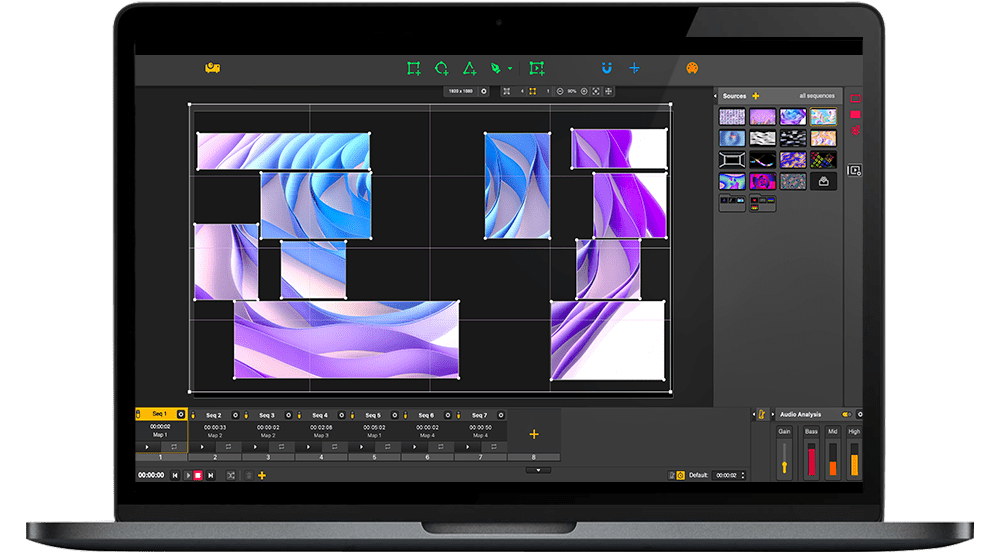
Pricing: Has a demo version with no time limit; the lifetime license for HeavyM 2 Live and HeavyM 2 Pro is $259 and $499, respectively.
Key Features:
- Intuitive drawing tools
- Integrated visual effects
- Built-in sound analysis for automatic music reactivity
- Built-in warping tools
- Multi-projection and edge-blending
If you’re looking to create awe-inspiring visual experiences the easy way, HeavyM just might be the best projection mapping software for you. It arguably has the most user-friendly interface among the other tools on this list, especially when considering the powerful features it brings.
What sets HeavyM apart from the rest is its drag-and-drop features and intentionally designed small learning curve. It also has pre-designed shapes that you can maximize to save time or create projections on the fly.
This video mapping projection software has multiple layering and masking options to let you draw complex models. Ultimately, its visual effects library boasts more than a thousand potential combinations to make your stage decoration, corporate show, building mapping or permanent installation wow your audiences.
PROS:
- User-friendly UI
- High-quality yet fast mapping
- Vast visual effects library
- Automatic audio synchronization
- Compatibility with a wide range of projectors
CONS:
- No save features on the demo version
3. Resolume Arena
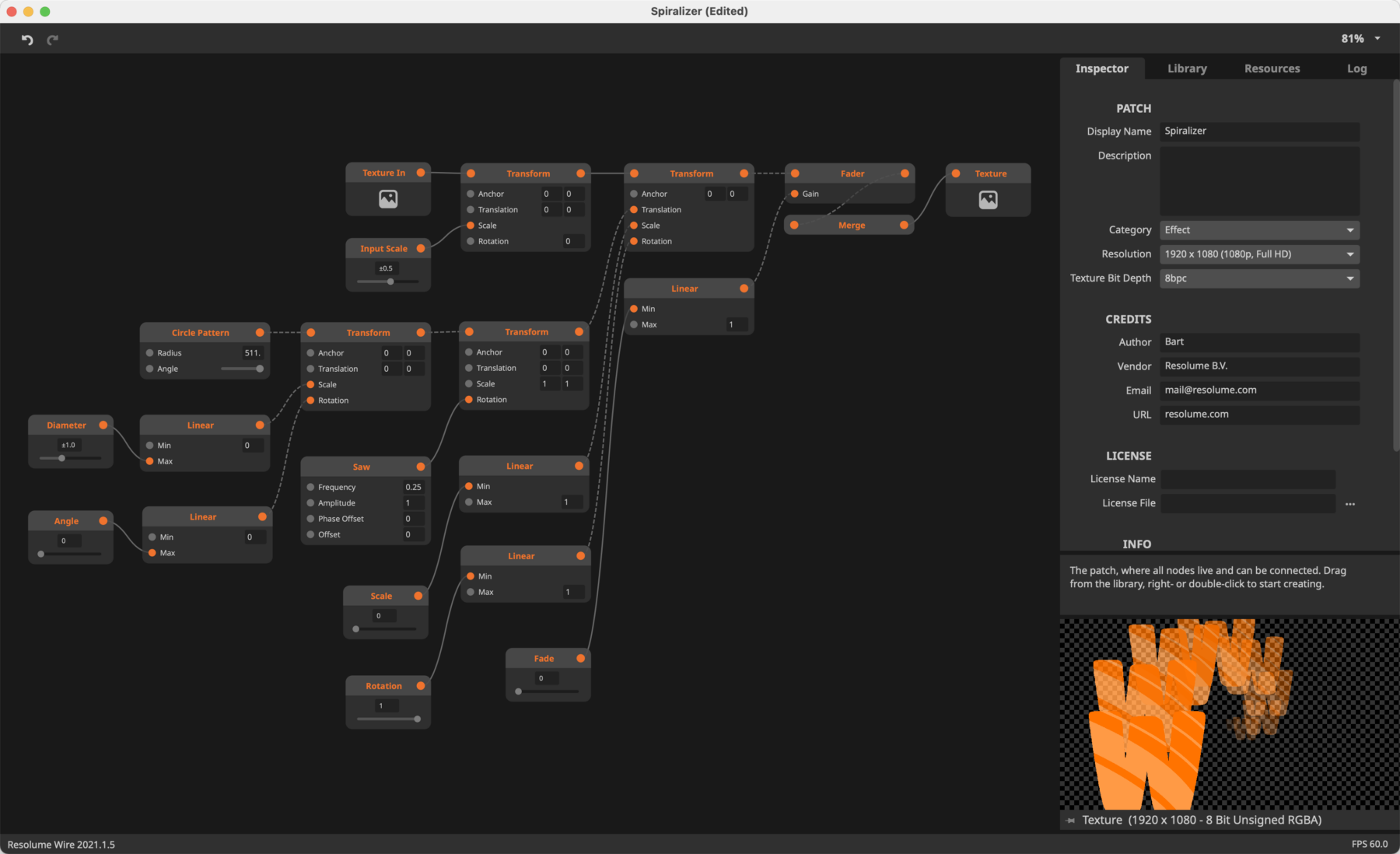
Pricing: $899 (The entry-level product, Resolume Avenue, is available at $399.)
Key Features:
- Diverse audio and video effects and third-party plugins
- Audio analysis
- Edge blending for projecting seamless widescreen images
- Real-time rendering
When you’ve got an upcoming concert or music event and want to be in control of the visuals, Resolume might be up your alley. This versatile video mapping projection tool puts you in charge of how and when to play your videos. Play it backward, scratch or adjust the tempo to the beat — use your videos like an instrument!
Resolume does an excellent job at projecting video on any surface. It lets you divide your composition into slices, mix layers and map them onto your venue, whether it be a DJ booth, whole buildings, giant stages, or irregularly shaped objects. With edge blending, Resolume can even wrap around objects for an immersive 360-degree experience.
The catch is that this projection mapping software was designed specifically for live music events. As a result, its features and drawing tools may not be a good fit for other creative projects like permanent installations.
PROS:
- Understandable and intuitive interface
- Diverse audio-visual effects and easy controls
- Fast performance and real-time rendering
CONS:
- Subscription can be expensive
- Not a good fit for events other than concerts and music festivals
4. Isadora
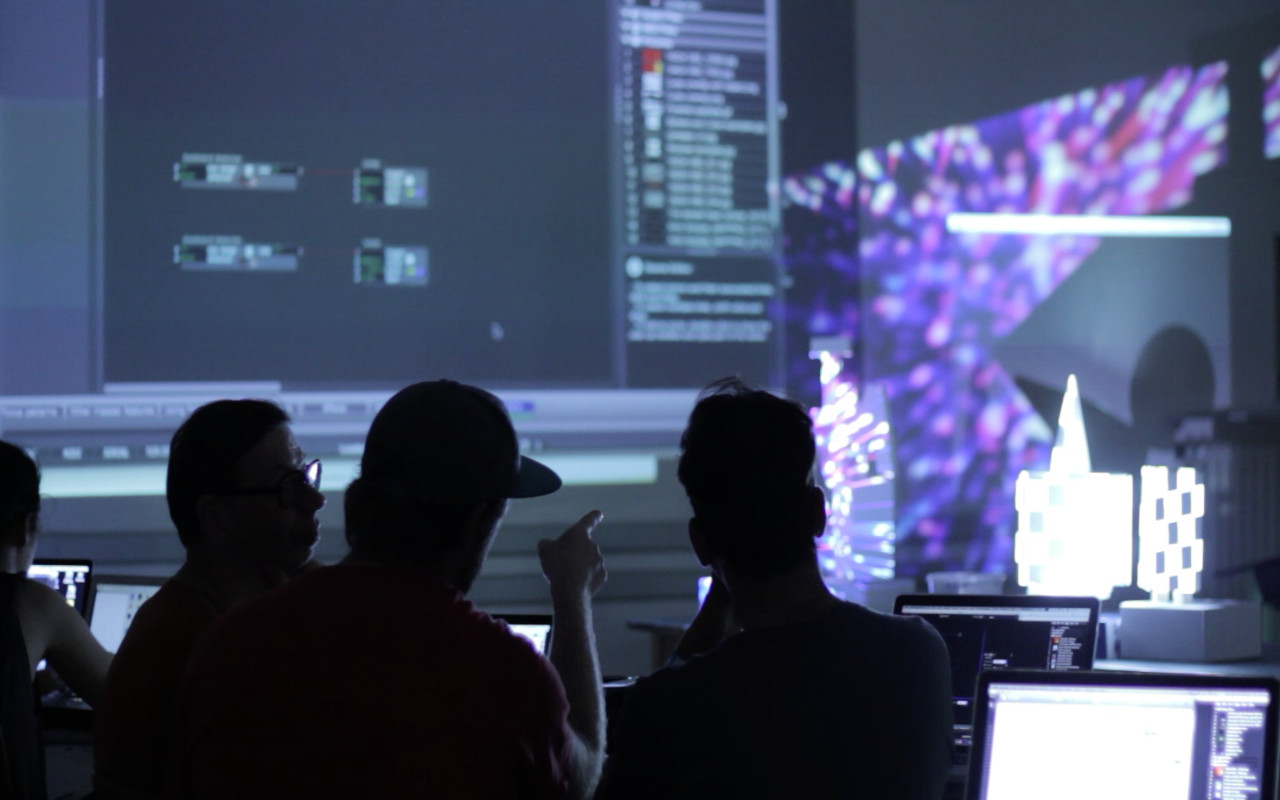
Price: Has a free version; the yearly subscription costs $150.
Key Features:
- Up to 8 HD video playback channels and 16 displays
- Multiple 4K video channels
- Unlimited video layers
- Integrated projection mapping tool and built-in video tracking support
- Drag-and-drop media
Isadora is a great option for those looking for the best free projection mapping software. While its paid version definitely has more mapping-related functions, it still offers structure-based projection, motion tracking, in-depth lighting settings and even 4-channel online streaming.
It also brings together a media server, a visual programming tool and a video and audio processing engine in one easy-to-use platform. These features allow you to create interactive playbacks and stunning effects with ease.
Finally, Isadora boasts a hybrid wizard that notes all the details and characteristics of the structure you’re projecting into, especially if you’re using uniquely shaped building facades. It then generates the best adjustments for your settings so you can display your video without distortions.
PROS:
- Plain and easy-to-use interface
- Real-time control with minimal latency
- Built-in projection mapping tool for unlimited mapping slices
- Structure-based projection
- 4-channel online streaming
CONS:
- The free version has limitations, and the full version can be pricey
- Non-optimized projects can experience reduced playback performance
5. TouchDesigner
Pricing: TouchDesigner is free for personal use or learning. The commercial package starts at $600.
Key Features:
- High-performance playback
- HD and 4K video inputs and outputs
- Custom parameters for designing modular components
- Real-time 3D integration for complete pre-visualization
- Ready-to-use UI gadgets
- Interoperability with Ableton Live, Max/MSP, Substance Designer, and other web apps
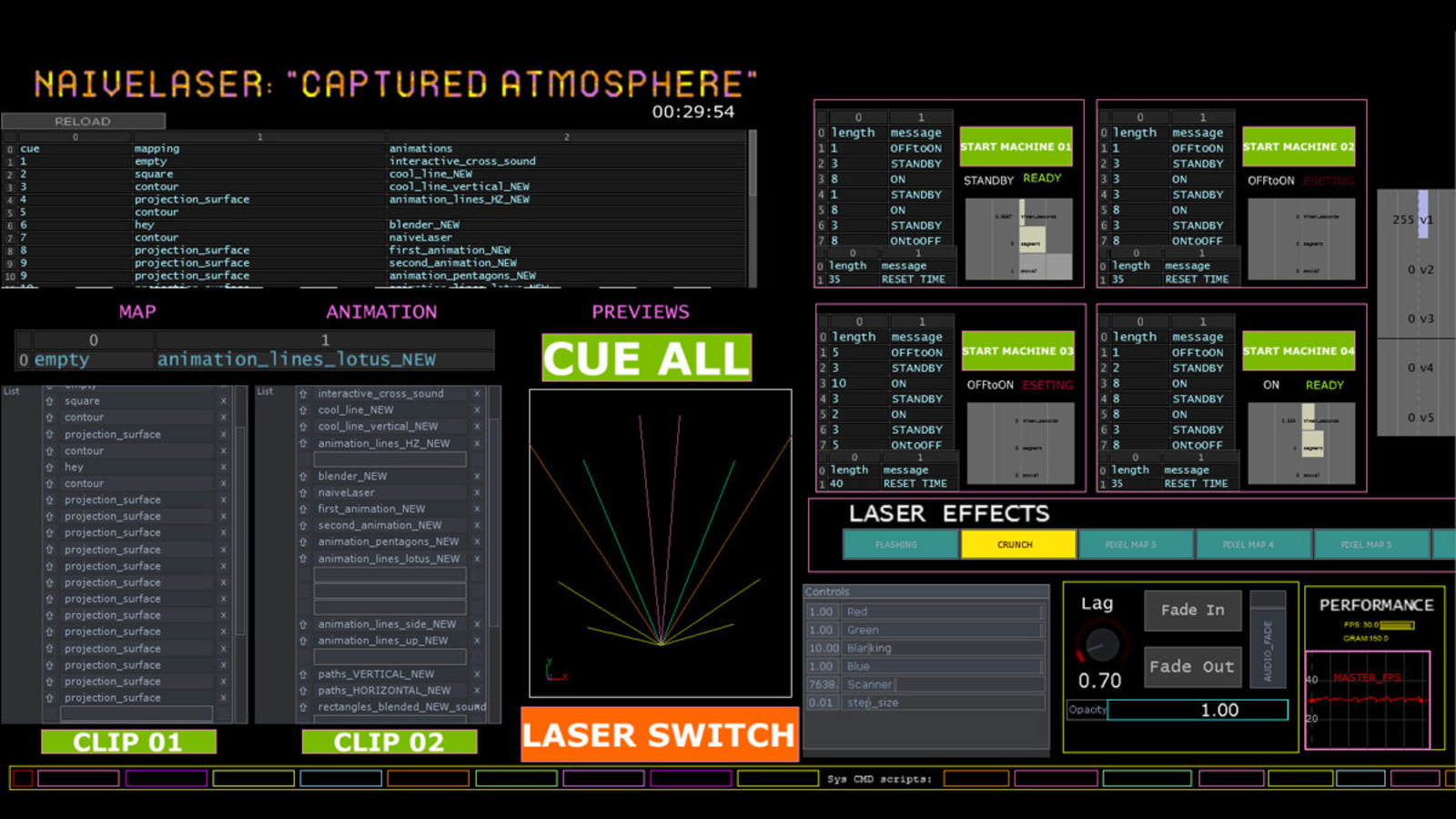
TouchDesigner is a video mapping projection software that values experimentation and iteration. It is designed to be fast and flexible for rapid prototyping, allowing its users to build pre-visualizations, test technical solutions and be prepared long before going onsite.
Moreover, TouchDesigner comes packed with various tools needed to create rich visual experiences. For example, there’s the stoner tool for keystoning, Kantan Mapper for 2D mapping and the CamSchanppr tool for 3D projection alignment and calibration, among many others.
Finally, this projection mapping tool boasts open customization capabilities and third-party app support on top of its suite of features. This allows you to use TouchDesigner to develop solutions for both small and large-scale projects that fit your scenario, desired visuals and budget.
6. Mapping Matter
Pricing: Offers a free trial for 14 days; monthly subscription starts at $99.
Key Features:
- Endless undo
- Vast pattern and effects library
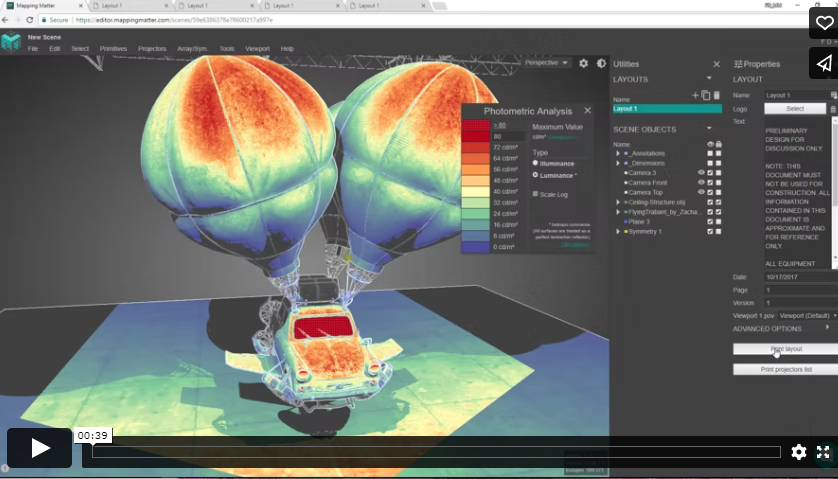
- Photometric analysis mode for validating projection brightness
- Meshes and textures for building advanced 3D simulations
- Quick PDF documentation generation
What’s unique about Mapping Matter is that it’s a cloud-based video projection mapping platform. This means that you can save yourself from the lengthy process of installing software. All you have to do is open your browser to start working on your project.
Mapping Matter’s features are also easy to understand. It boasts a slick and straightforward interface, allowing even those unfamiliar with the workflow of similar mapping projection tools to build advanced 3D simulations as painlessly as possible.
Another feature to love about this video mapping projection tool is that it lets users validate projection studies and generate client documentation in seconds. Mapping Matter also offers annotation options should you need to add further information to your presentation. The best part is that it lets you interact with projectors, change directional lighting and apply rich textures on objects with ease.
But while this cloud-based tool allows for advanced, error-free simulation, note that it may not support complete 3D modeling.
7. MapMap
Pricing: Free
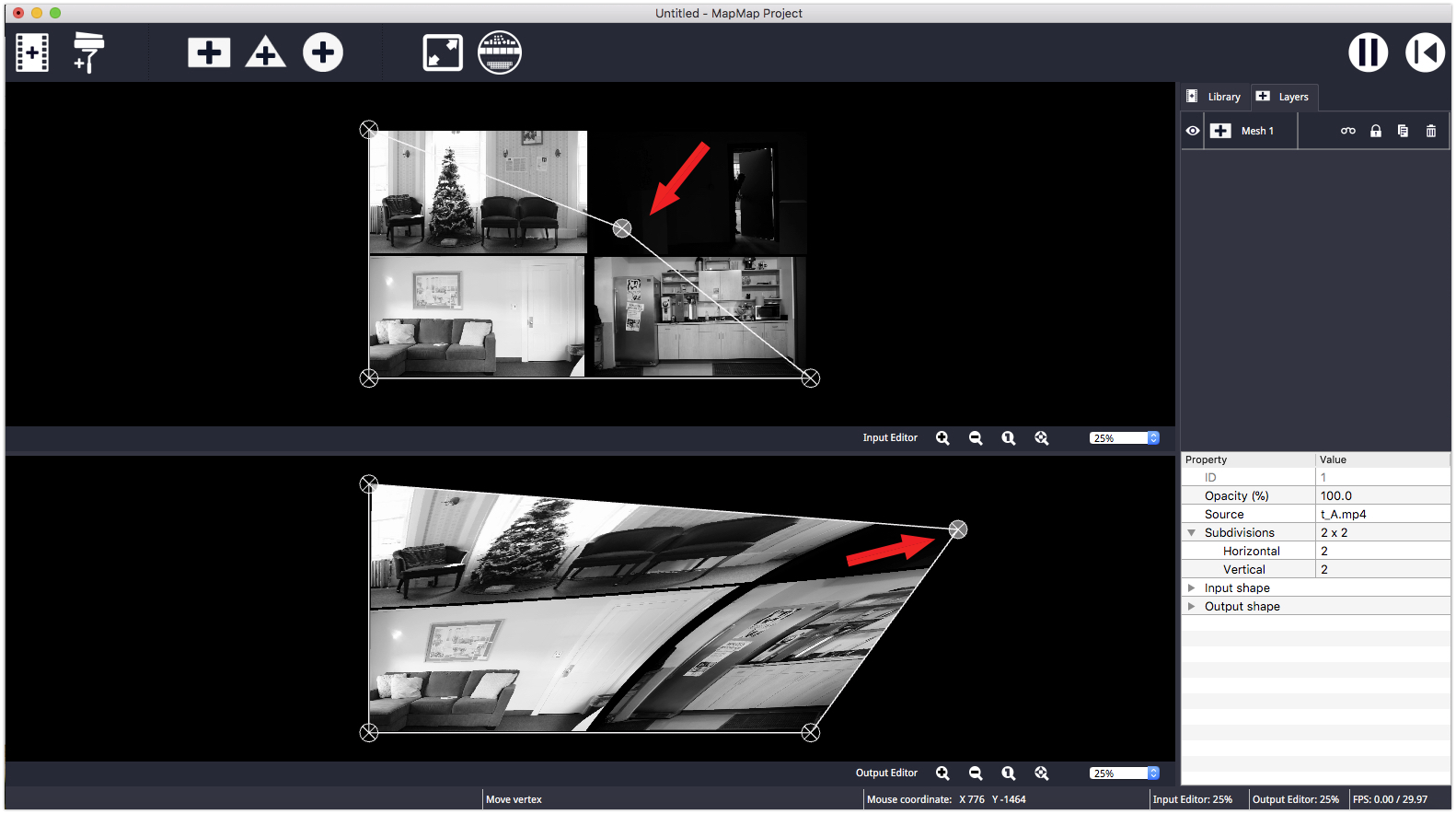
MapMap is an open-source projection mapping tool perfect for artists and small teams. It has an intuitive interface, allowing even new users to start developing their projects in minutes.
Another thing to love about MapMap is that it can support various media:
- Videos (.mov, .avi, .mp4, .ogg, .ogv)
- Photos (.png, .jpeg, .jpg)
- Animated GIFS
Aside from that, it also allows you to transform your chosen materials into the tool’s supported shapes: quads/mesh, triangles and ellipses.
If you’re exploring new ways to express your creativity and want an easy-to-learn tool to get started immediately, then MapMap could be the best free projection mapping software for you.
Ensure Your Event’s Success With Professional Video Mapping Services
Static objects can be brought to life by adding dimensions, optical illusions and even an audio-visual narrative through projection mapping tools. And whether you’re an artist, advertiser or event coordinator, you can leverage this technology to make your upcoming event attractive and exciting.
But while you’re always free to select your preferred projection mapping software and transform a building facade or event space interior on your own, know that you can also work with video mapping service providers.
The professional video mapping team at Showtech Productions has the programs and equipment to deliver the solutions you need, whether you require 2D or 3D mapping. We have worked on both indoor and outdoor venues, projecting interactive presentations on practically any object.
Whether you’re holding a corporate event, outdoor music festival or art exhibit, let us help you create a remarkable visual experience. Contact us today to learn more about our projection mapping services.


That is pretty cool! I bet attendees will be hyped to see a really good constructed video mapping in action.
Thanks for sharing your blog
thanks
Please call me
Thank you for sharing this helpful blog.
Thanks for the great overview.
What I woul like to know before I start testing: Are these prgrams capable of playing surround sound within video files?
thank you- can this mapping be done on a human being? I would like to see if I can project onto myself as I perform music.
We are a small non profit museum. We want to project PowerPoints, Videos and images in UHD on three separate screens (front, left, right). We want to show three different linked timelines. What would you recommend.
Disappointed Adobe after effects and daVinci resolve were not mentioned. From all my searching, those 2 appear to be the only ones anyone recommends for projection mapping your own house show.
Which one of these programs will work with exports to import into a Revit or Autocad model for placement of the projectors? So the architect and MEP can see where the projectors need to be installed?